Empower your organization by enabling your education community or workforce to learn, collaborate, and provide customer service in real time through Zoom CX, regardless of location.
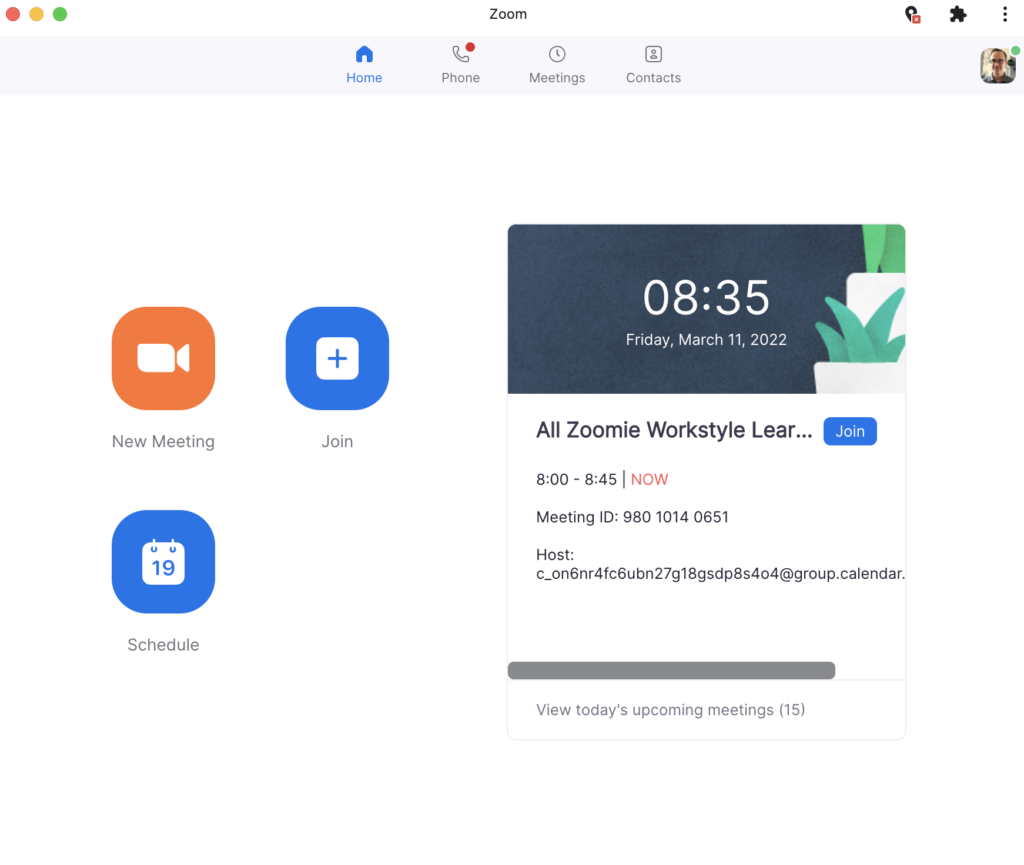
Zoom has partnered with Google in the creation of the Zoom Progressive Web App (PWA) for ChromeOS, which leverages web-based technology to deliver a native desktop experience, including Zoom CX.
PWAs are web apps that can be installed on ChromeOS to provide an app-like experience while using the same technology as your web browser and ChromeOS. PWAs are usually faster and more functional than a regular app, and take up less storage — which is great for cloud-based devices. If you’re a systems administrator, you can still remotely install and manage the PWA, providing centralized configuration and security options.
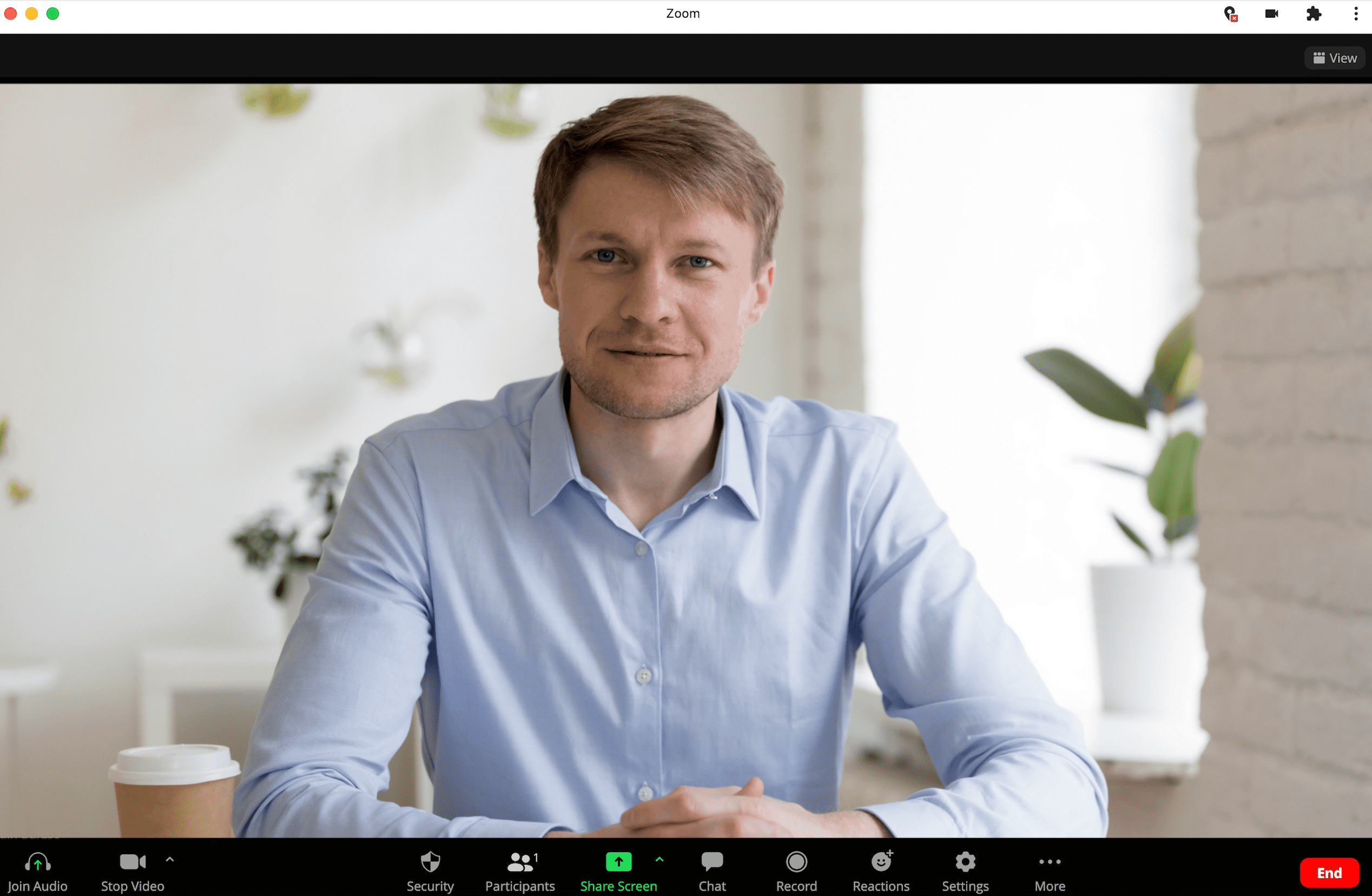
Partnering closely at the application and OS level, Zoom optimized for Google’s ChromeOS delivers a unified communication platform designed for remote collaboration, communication, and customer engagement, ensuring contact center agents, teachers, students, IT departments and employees stay productive wherever they are.
Continually improve
Never miss out on the latest and greatest Zoom features with automatic updates.
Provide peace of mind
Stay in control with remote, centralized configuration and security options.
Facilitate connection
Connect hybrid work and customer service through easy, remote installation on any device and platform.
Minimize distractions
Improve efficiency and reduce downtime needed for updates and patches by utilizing a PWA.
Optimize contact center operations
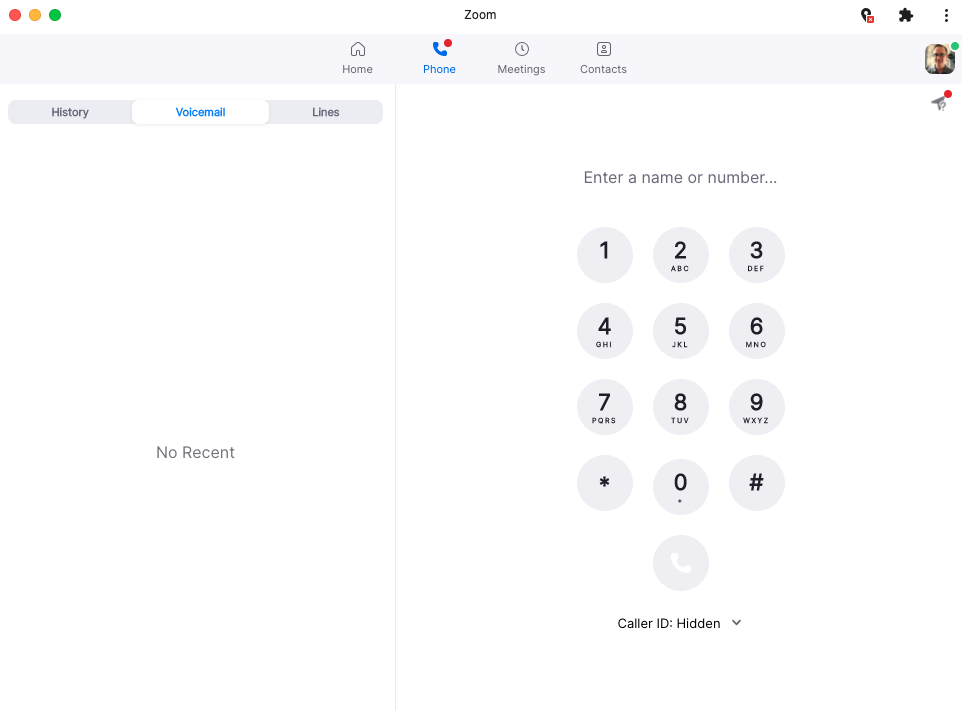
Enable agents to handle customer interactions from any Chrome device without installing heavy desktop applications
Leverage ChromeOS’s built-in security features to protect sensitive customer data while providing seamless omnichannel support
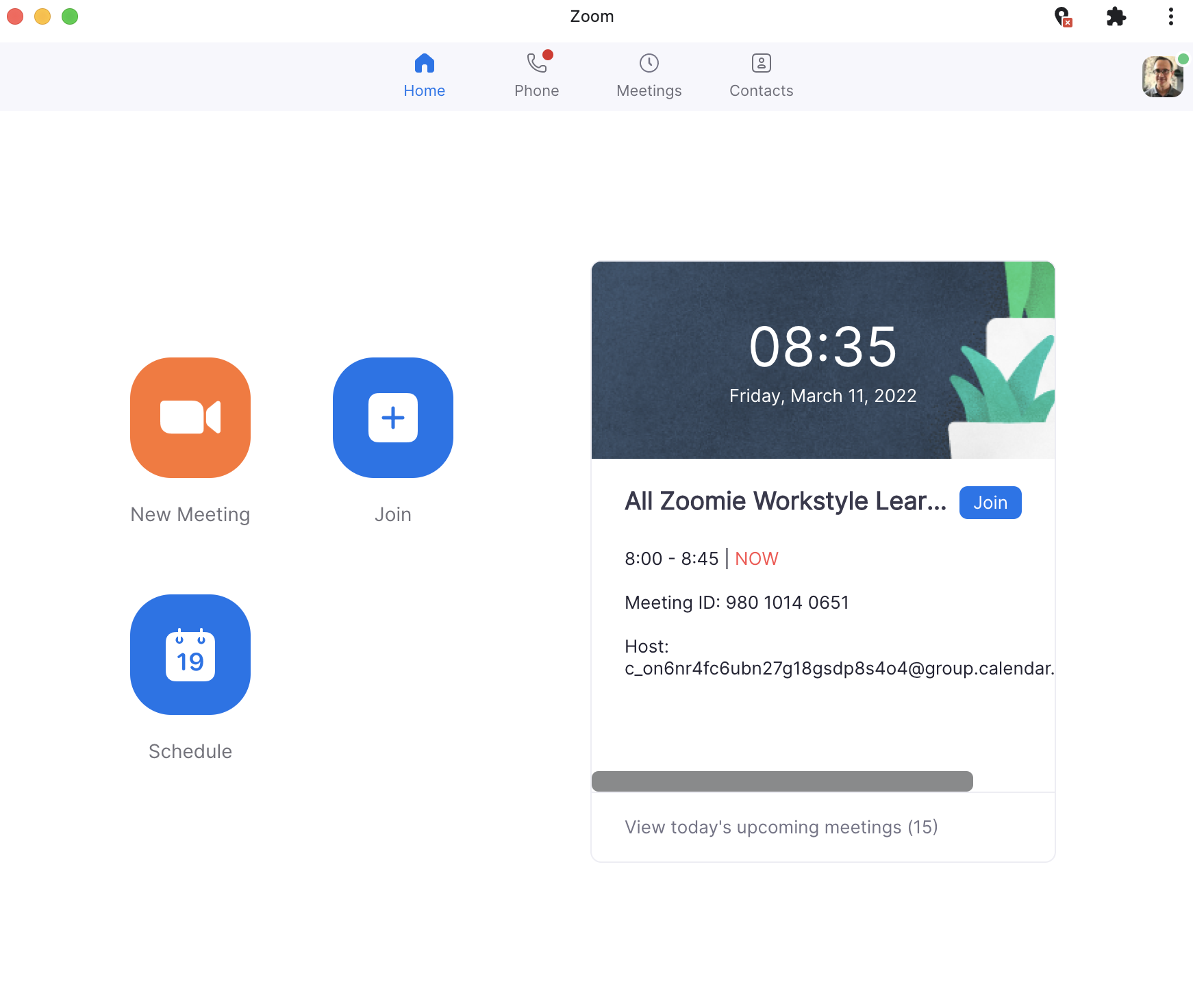
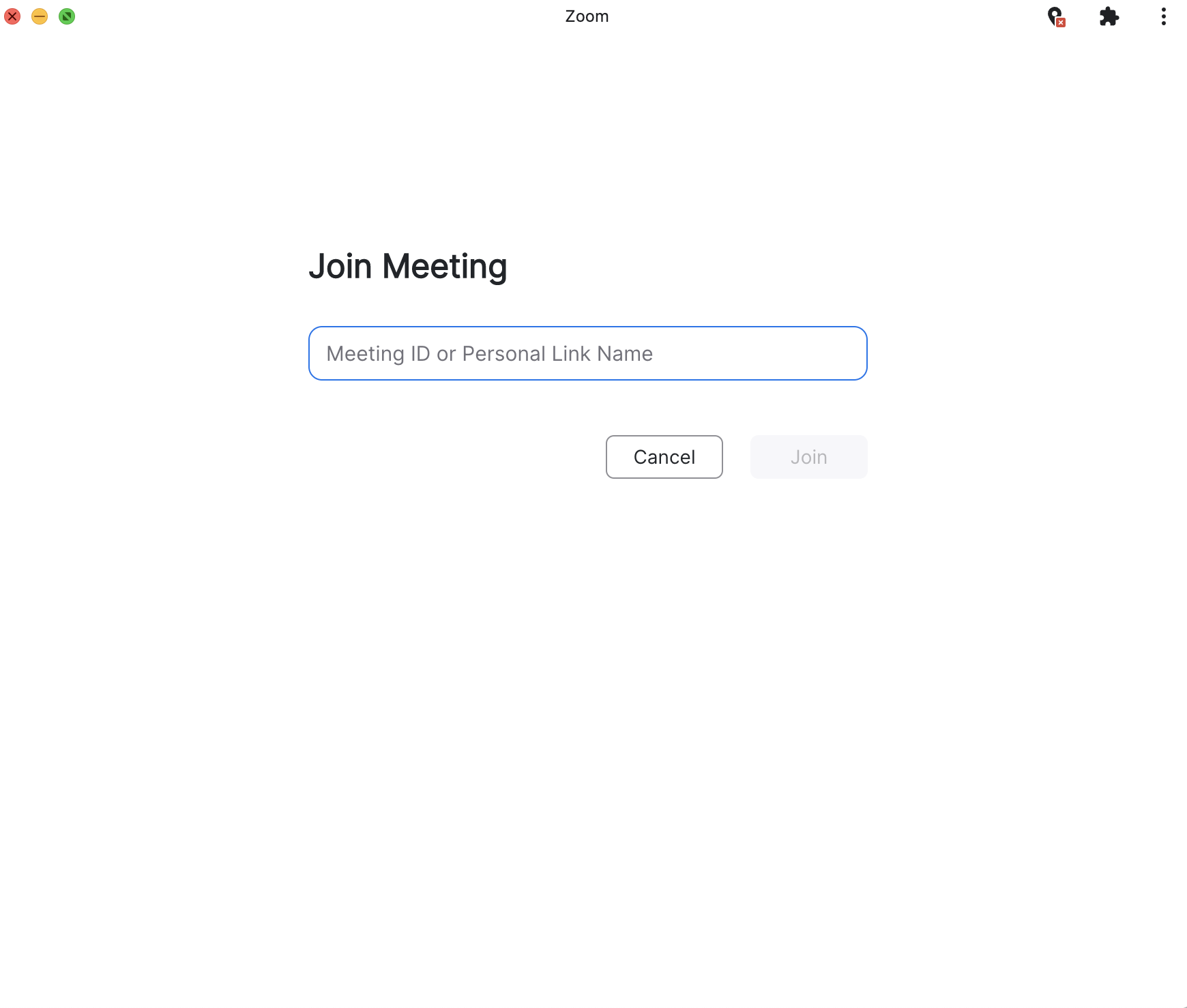
Download the app, then either log in or join a meeting — and you’re up and running. You can also install the new app directly from your web browser navigation bar as well as via central admin management.